Apply DSC Online with Guided Support

Quick online DSC application process

Apply for DSC in a Clear 4-Step Process

Select the DSC type, share applicant details, attach available documents and review the estimated price. Our desk confirms the exact checklist before processing so you do not choose the wrong certificate.
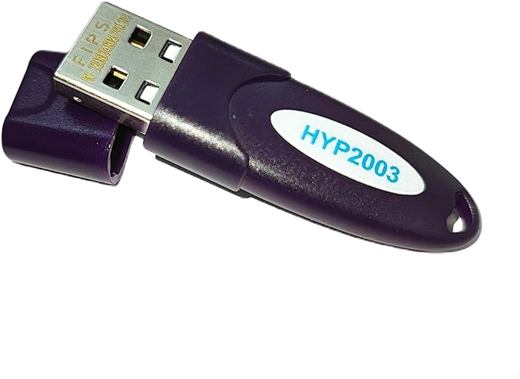
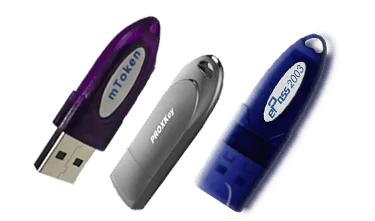
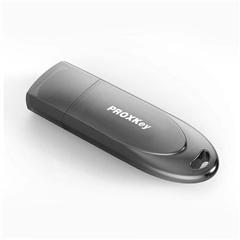
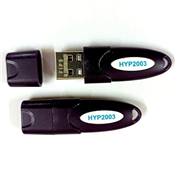
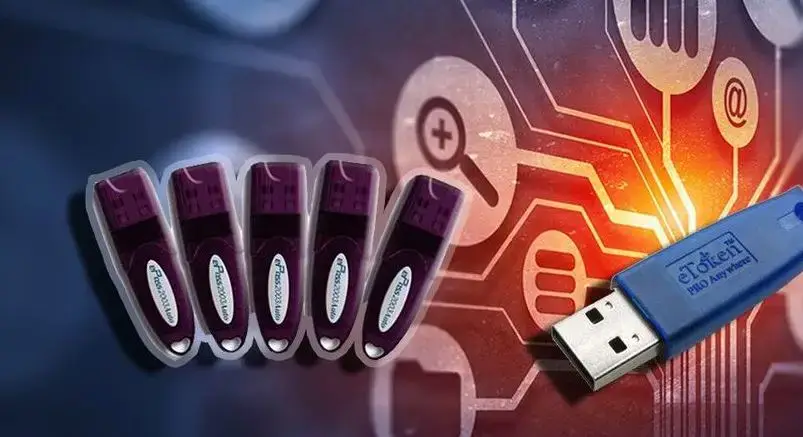
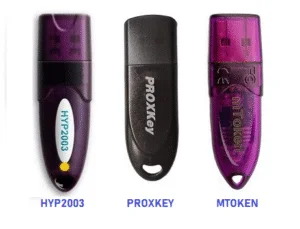
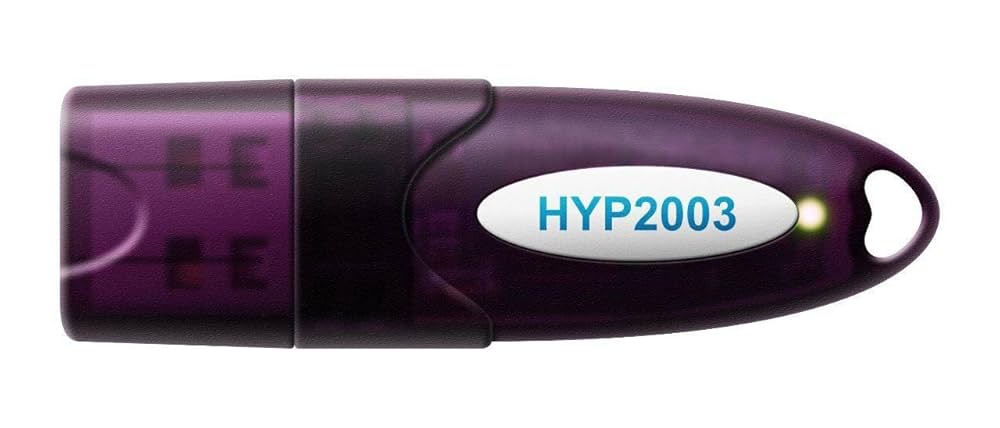
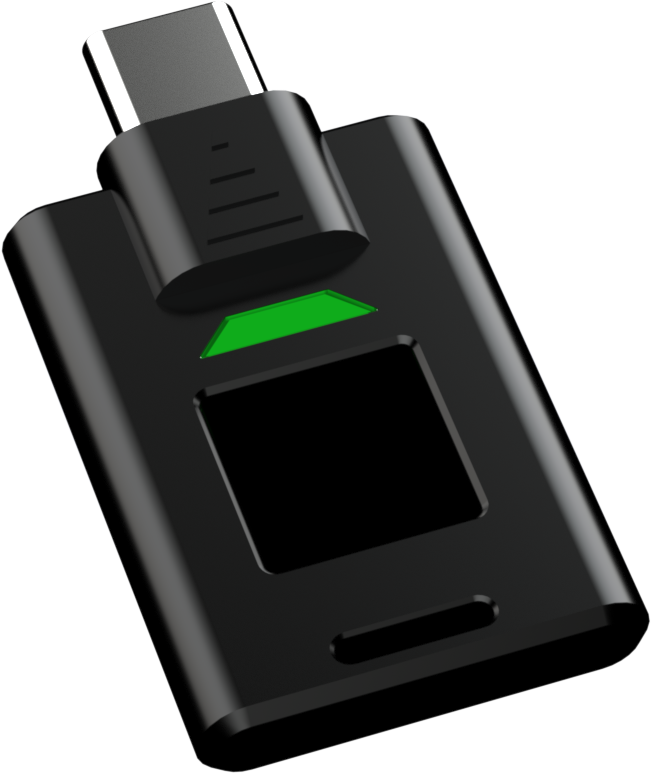
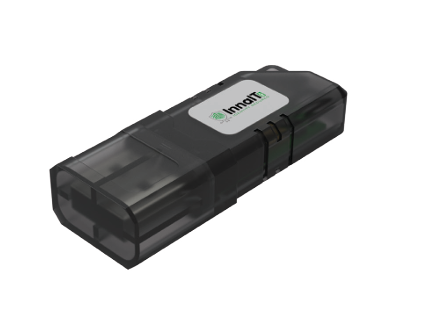
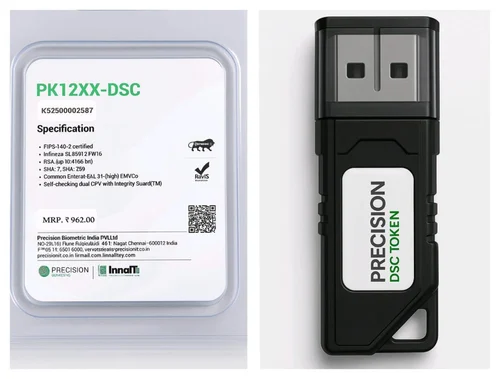
Digital signature USB tokenClass 3 combo DSC tokenDGFT DSC tokeneTender DSC tokenUSB token setup visualUSB crypto token modelsDSC token groupHYP2003 DSC tokenBlack USB DSC tokenSecure USB tokenDSC token package
Choose certificate category Enter applicant and portal details Attach documents if available Review price and submit
Before You StartKeep PAN, mobile and email ready

Most DSC applications need applicant KYC details and active OTP access.

Not Sure?Select the closest option

Our team will confirm whether you need Individual, Organization, Combo or DGFT DSC.

Token HelpNew or existing token both supported

Tell us if you need a USB token, renewal on old token or driver support.

Guided DSC application

Complete the details below

Fields are grouped by decision order. Start with the DSC type, then applicant details, documents and final confirmation.

1 Choose DSC Type

Pick the closest option. If you are unsure, choose the nearest use case and we will verify it before processing.

2 Applicant and Portal Details

Use details that match PAN and the target portal. This helps prevent KYC mismatch and approval delays.

3 Upload Available Documents

Documents are optional at this step. Submit the application even if nothing is attached; our team will confirm the exact checklist and next steps.

Allowed formats: PNG, JPG, JPEG and PDF only. Maximum file size: 2 MB per document.

4 Review and Submit

After submission, our support desk confirms certificate type, final price, verification method and token setup steps.

Your application details will be prepared for the DSC desk at hello@dscdelhi.in. Our team will review your request and confirm the document checklist.
Apply with certificate and token details ready
Real token visuals

Apply with certificate and token details ready

The application flow separates certificate type, validity, token hardware and GST so users know what they are paying for.

  • Clear payment summary
  • Token hardware selection
  • Document upload guidance
Apply with certificate and token details ready detail

What Happens After Submission?

Our application desk reviews your request before starting DSC processing.

01

Verification Call

We confirm certificate type, validity, token and urgency.

02

Document Check

We review document quality and missing details.

03

KYC Process

You complete OTP, email and video verification.

04

Token Activation

We assist with download, token driver and signing test.

CLIENT TESTIMONIALS

Real feedback style from DSC users who needed quick verification, token setup and portal readiness.

AK

Amit Kumar

Finance Manager

Digital Signature India helped us complete DSC verification and token setup before our GST filing deadline. The instructions were clear, practical and quick.

NS

Neha Sharma

Export Business Owner

We needed DGFT DSC support and the document checklist saved us from repeated corrections. The token was tested before we used it on the portal.

RM

Rahul Mehta

Tender Coordinator

Our tender deadline was close, but the team guided us through Combo DSC selection, verification and signing utility setup without wasting time.

PS

Priya Sethi

Company Secretary

The organization DSC process was explained clearly. We knew which authorization letter, company proof and signatory documents were required before applying.

VK

Vikram Khanna

Contractor

My token was not detected on the tender portal. Their driver support and signing utility checks helped me submit the bid on time.

MJ

Meera Jain

Tax Consultant

I manage DSC renewals for several clients. The renewal reminders, checklist and installation support made the process much easier.