

Apply DSC Online with Guided Support

Class 3 DSC Guide

How to Choose the Right Class 3 DSC

A Class 3 Digital Signature Certificate is used when portals need strong identity verification, secure signing and, in some cases, encryption. This guide explains which DSC type fits your filing, tender, company or business workflow.

IndividualOrganizationComboRenewal
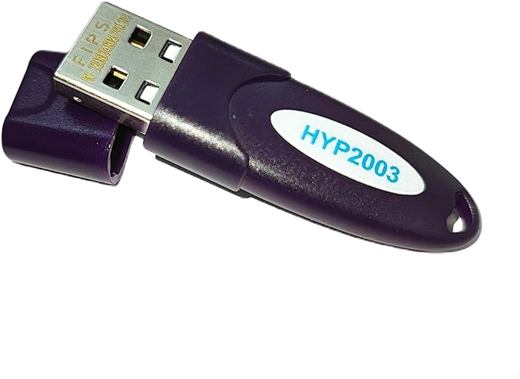
DSC Token Ready
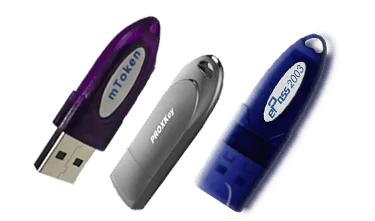
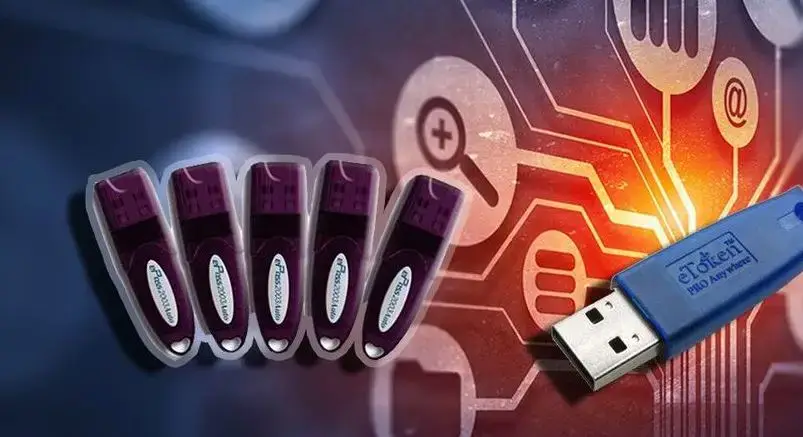
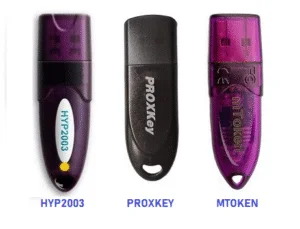
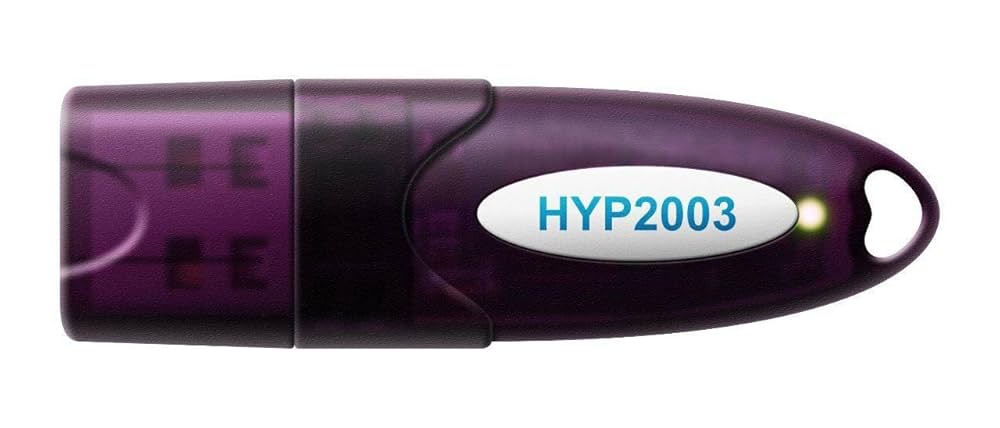
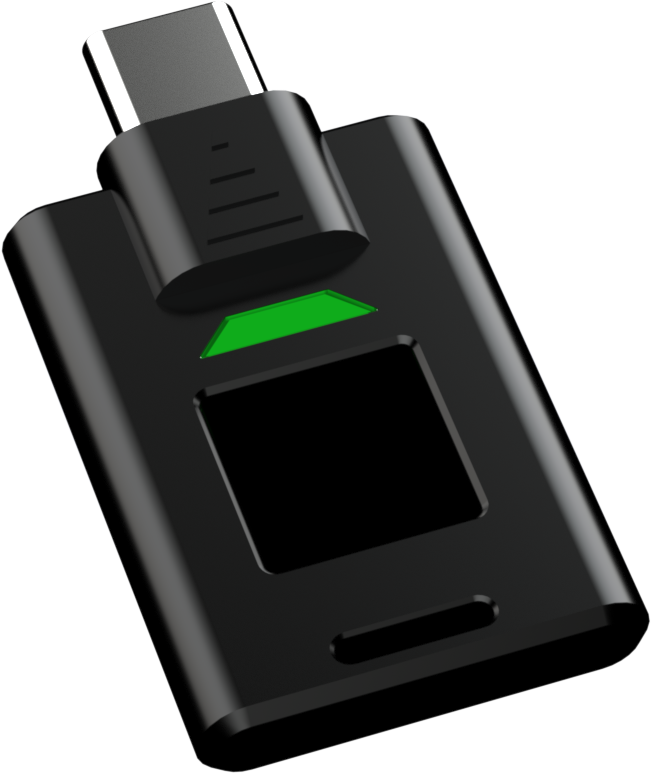
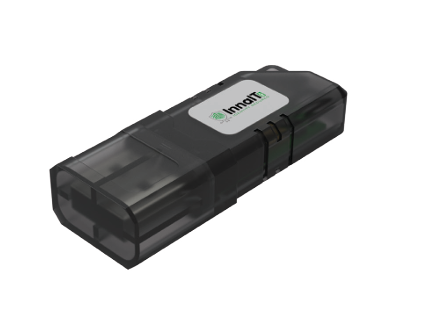
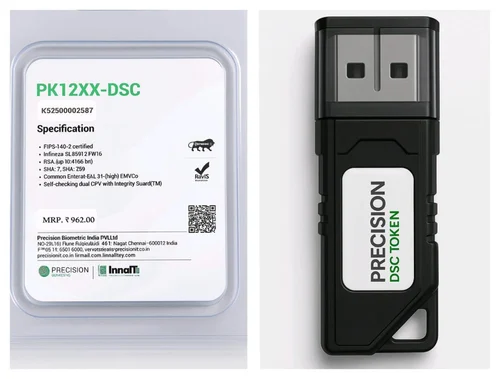
Digital signature USB tokenClass 3 combo DSC tokenDGFT DSC tokeneTender DSC tokenUSB token setup visualUSB crypto token modelsDSC token groupHYP2003 DSC tokenBlack USB DSC tokenSecure USB tokenDSC token package
Guided DSC SupportCertificate selection, document checklist, verification and USB token readiness in one flow.

What is a Class 3 DSC?

Class 3 DSC is the common digital signature category used for high-trust online transactions in India. It verifies the identity of the certificate holder and allows legally valid electronic signing on supported portals. Depending on the use case, the certificate may be issued to an individual applicant, an organization signatory, or as a combo certificate with signing and encryption.

Most users ask for a Class 3 DSC when they need GST filing, MCA compliance, income tax audit work, EPFO, eTender submission, DGFT work, ICEGATE, procurement portals, document signing or business authorization. The correct choice depends on the portal, whether organization details are required, and whether encryption is needed.

Quick Selection Rule

If the certificate is for personal professional use, choose Class 3 Individual DSC. If a company, LLP, partnership firm, trust or government department name must appear in the certificate or documents, choose Class 3 Organization DSC. If your tender portal asks for both signing and encryption, choose Class 3 Combo DSC.

The safest approach is to confirm the exact portal before applying. Wrong certificate selection can cause portal rejection, extra verification, reissue cost or deadline pressure.

Class 3 DSC Types Compared

Use this comparison before submitting your application.

DSC TypeBest ForCommon PortalsTypical Documents
Class 3 Individual DSCIndividual applicants, professionals and authorized usersGST, MCA, ITR, EPFO, general signingPAN, address proof, photo, mobile and email verification
Class 3 Organization DSCCompany, firm, LLP, trust or department identityMCA, tenders, business portals, authorized signingOrganization proof, authorization letter, signatory KYC
Class 3 Combo DSCPortals needing signing plus encryptioneTender, procurement and some government portalsKYC documents, portal details, token setup requirement
DSC RenewalExisting users whose DSC is expiring or expiredSame portal where old DSC was usedOld token details, applicant KYC, updated contact details

Choose Individual DSC

Choose an individual Class 3 DSC when the certificate is issued in the applicant's personal name. It is suitable for consultants, directors, accountants, tax professionals, business owners, authorized employees and individual users who sign documents or file returns using their own identity.

  • GST return and registration use
  • MCA and company filing by authorized users
  • Income tax and audit workflows
  • EPFO and professional portal access

Choose Organization DSC

Organization DSC is useful when the certificate must reflect a business entity. Companies, LLPs, firms, trusts, societies, departments and institutional applicants often need organization proof and authorization from the entity before issuance.

  • Company or firm identity required
  • Authorized signatory proof needed
  • Business tender participation
  • Corporate compliance workflows

Choose Combo DSC

Combo DSC includes signing and encryption capability. Many tender and procurement portals require encryption for bid confidentiality and signing for submission authentication. This is why contractors and tender teams usually prefer combo DSC.

  • eTender and procurement portals
  • Bid signing and encryption
  • Government tender participation
  • Deadline-sensitive portal work
Class 3 DSC USB token models for online filing
Document and token readiness

Do not apply without checking the portal requirement

A Class 3 DSC may look similar from outside, but the certificate type, validity, token status and portal mapping can be different. Before payment, confirm whether you need signing only, signing plus encryption, organization name, renewal on existing token, or urgent support.

  • Check portal category before choosing DSC
  • Keep applicant mobile and email active for OTP
  • Use a compatible USB token and driver
  • Test the DSC before tender or filing deadline
Secure USB token for Class 3 DSC setup

Documents Usually Required

Documents can vary by certifying authority and applicant type, but most applications need identity proof, address proof, PAN, photograph, active mobile number and active email address. Organization cases may also require incorporation proof, GST certificate, authorization letter, board resolution, partnership deed, LLP proof or other entity documents.

For faster processing, make sure documents are clear, names match PAN or entity records, and the applicant can complete mobile, email and video verification. If the signatory name, PAN name, organization name or address is inconsistent, verification can be delayed.

Token and Installation Tips

The DSC is normally stored on a secure USB token. After issuance, the user should install the correct token driver, set or manage the token PIN, install required signing utilities, and test the certificate on the target portal. Many DSC problems are not certificate problems; they are driver, browser, Java, utility, certificate chain or token detection issues.

Before a tender deadline, test the token on the actual portal. A successful certificate download does not always mean the portal signing utility is ready.

Recommended Application Flow

A clear process reduces rejection and rework.

01

Confirm Use Case

Share whether DSC is needed for GST, MCA, ITR, DGFT, eTender, ICEGATE or document signing.

02

Select Certificate

Choose Individual, Organization, Combo or Renewal based on portal and applicant identity.

03

Prepare Documents

Keep PAN, address proof, photo, business proof and authorization documents ready where applicable.

04

Verify and Test

Complete OTP/video verification, download certificate to token and test portal signing.

Common Mistakes to Avoid

  • Choosing Individual DSC when portal requires organization details
  • Buying signing-only DSC when eTender portal needs combo DSC
  • Submitting blurred or mismatched KYC documents
  • Waiting until the final tender submission day
  • Assuming old token will work without driver testing
  • Ignoring mobile and email OTP access during verification

Need Help Choosing?

Digital Signature India can review your portal purpose, applicant type, validity requirement, token status and deadline before you apply. This is especially helpful for tender users, exporters, company signatories, GST professionals and users renewing an old DSC.

Call or WhatsApp: +91 97185 08585
Email: hello@dscdelhi.in

Start DSC Application

CLIENT TESTIMONIALS

Real feedback style from DSC users who needed quick verification, token setup and portal readiness.

AK

Amit Kumar

Finance Manager

Digital Signature India helped us complete DSC verification and token setup before our GST filing deadline. The instructions were clear, practical and quick.

NS

Neha Sharma

Export Business Owner

We needed DGFT DSC support and the document checklist saved us from repeated corrections. The token was tested before we used it on the portal.

RM

Rahul Mehta

Tender Coordinator

Our tender deadline was close, but the team guided us through Combo DSC selection, verification and signing utility setup without wasting time.

PS

Priya Sethi

Company Secretary

The organization DSC process was explained clearly. We knew which authorization letter, company proof and signatory documents were required before applying.

VK

Vikram Khanna

Contractor

My token was not detected on the tender portal. Their driver support and signing utility checks helped me submit the bid on time.

MJ

Meera Jain

Tax Consultant

I manage DSC renewals for several clients. The renewal reminders, checklist and installation support made the process much easier.