

Apply DSC Online with Guided Support

ICEGATE DSC Guide 2026

Digital Signature Certificate for ICEGATE - Complete Guide in 2026

Importer, exporter, customs broker or freight forwarder? This complete guide explains why ICEGATE DSC matters, who needs it, documents required, pricing, application process, portal use, common mistakes and support options.

ICEGATEImport ExportClass 3 DSCDGFT DSC
Customs Filing Ready
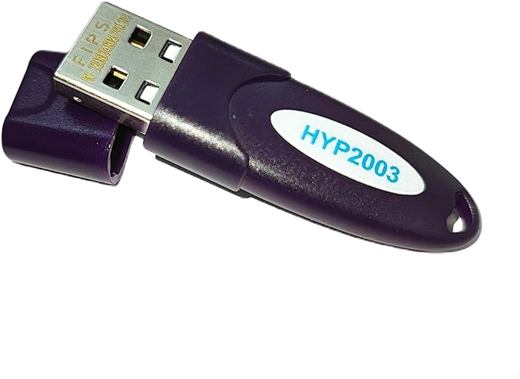
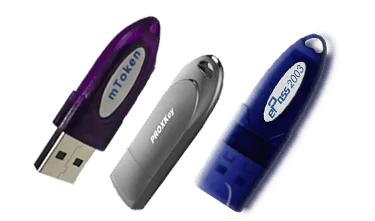
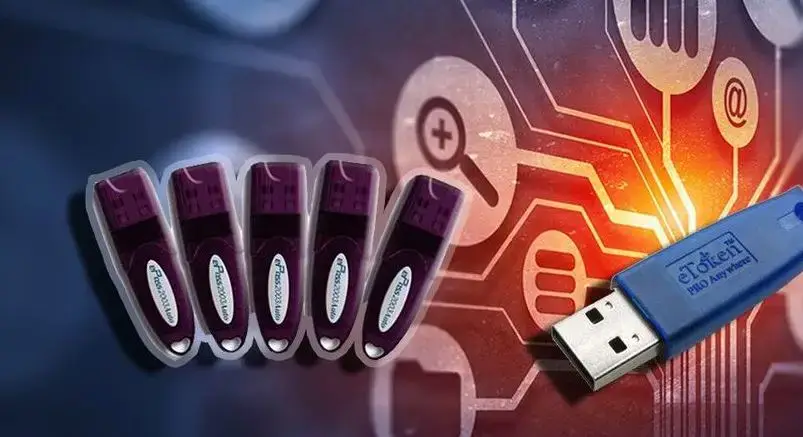
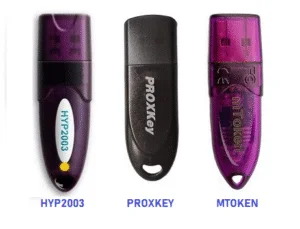
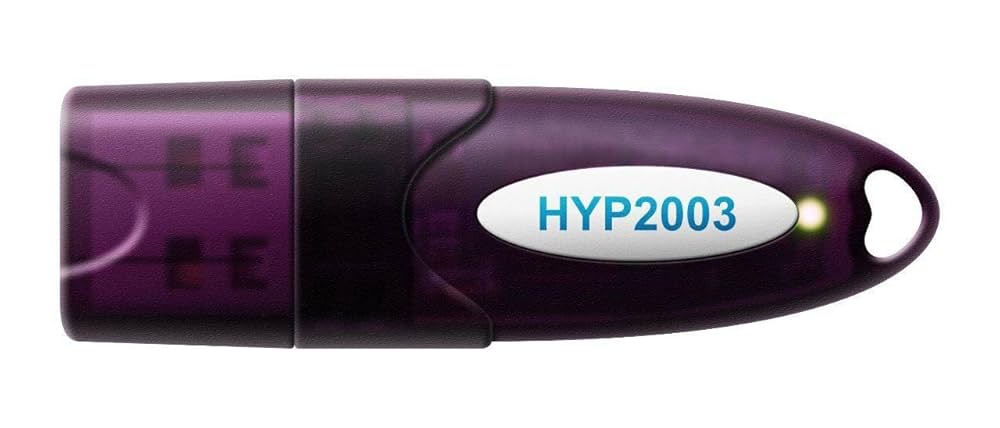
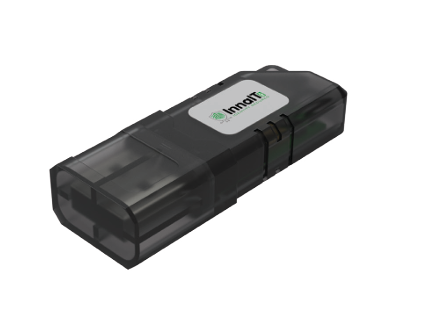
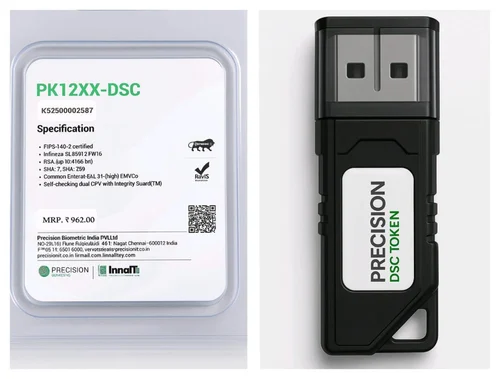
Digital signature USB tokenClass 3 combo DSC tokenDGFT DSC tokeneTender DSC tokenUSB token setup visualUSB crypto token modelsDSC token groupHYP2003 DSC tokenBlack USB DSC tokenSecure USB tokenDSC token package
Guided ICEGATE DSC SupportCertificate selection, document checklist, verification, USB token setup and portal readiness for import-export users.

Why ICEGATE DSC Matters in 2026

Are you an importer or exporter struggling with complex customs documentation, repeated paperwork delays or multiple follow-ups for online customs filings? A Digital Signature Certificate for ICEGATE helps you move customs documentation into a secure electronic process. Instead of depending only on physical submissions, you can digitally sign and submit eligible import-export documents online.

For businesses dealing with regular shipments, DSC is not just a convenience. It can reduce delays, improve document control, help teams file from anywhere, and make customs-related transactions more predictable. A well-selected DSC and properly configured USB token can save time at the exact moment when shipment timelines matter most.

What is Digital Signature Certificate for ICEGATE?

A Digital Signature Certificate for ICEGATE is a secure digital identity used by importers, exporters and customs users to sign electronic documents. In practical usage, businesses generally need a Class 3 DSC or DGFT/import-export suitable DSC for customs, ICEGATE and related trade workflows.

In simple terms, DSC works like your legally recognized digital identity. It confirms who is signing the customs document and helps maintain authenticity, non-repudiation and document integrity. This is especially useful for import-export filings where identity, authorization and accuracy are critical.

Why Do You Need DSC for ICEGATE?

ICEGATE DSC helps replace slow manual dependency with secure online filing and tracking.

Before DSC

  • Physical document submission may be required
  • Shipment documentation can take several days
  • Higher risk of rejection due to manual errors
  • Late submissions can create penalties or delays
  • Status tracking is harder for teams

After DSC Readiness

  • Online customs document filing support
  • Faster document signing and submission
  • Digital validation and better audit trail
  • Reduced physical dependency
  • Portal access from office or remote location

Illustrative Business Impact

A Mumbai-based import-export business in the pasted case study moved from repeated manual submissions to DSC-enabled online filing. The operational result was faster shipment documentation, fewer penalties, better status tracking and significant annual savings. Your exact result depends on volume, portal readiness and document quality.

Mandatory Users

  • Importers bringing goods into India
  • Exporters shipping goods from India
  • Customs brokers and clearing agents
  • Freight forwarders and logistics companies
  • Import-export trading companies

Recommended Users

  • Manufacturers with import-export operations
  • Wholesale and retail traders
  • Trade consultants and customs consultants
  • Service providers supporting EXIM work
  • Startups entering import-export business

Optional But Useful

  • Individual traders handling smaller shipments
  • NGOs importing or exporting goods
  • Educational institutions importing equipment
  • Research labs importing scientific material
  • Teams needing cleaner customs recordkeeping
DGFT and ICEGATE DSC token for import export
Benefits of ICEGATE DSC

Streamlined customs filing and better business control

From the source content, the main advantages are clear: online filing, real-time processing, faster clearance, lower travel dependency, better validation, fewer manual mistakes and improved business scalability. For regular importers and exporters, even small improvements per shipment can compound into meaningful savings.

  • Submit customs documents online
  • Get acknowledgments and status updates faster
  • Reduce document handling delays
  • Use the same DSC for multiple eligible transactions
Secure USB token for ICEGATE DSC setup

Documents Required for DSC for ICEGATE

Document requirements vary by applicant type, certifying authority and current verification rules. Keep clear scanned copies ready before starting.

For Companies and Organizations

  • Certificate of Incorporation, MOA and AOA where applicable
  • Company PAN card
  • GST registration certificate
  • Import Export Code or IEC certificate
  • Board resolution or authorization letter
  • Identity and address proof of authorized signatory

For Partnership Firms

  • Registered partnership deed
  • Firm PAN card
  • GST registration certificate
  • IEC certificate
  • Partner authorization letter
  • Identity and address proof of signatory

For Individual Traders

  • Aadhaar, PAN or other identity proof
  • Address proof such as passport, voter ID or driving licence
  • IEC certificate
  • GST certificate if applicable
  • Passport-size photograph where required

Document Quality Tip

Most delays happen because of unclear scans, mismatched names, inactive mobile/email access, old business documents or wrong applicant category. Before applying, make sure signatory details match the business authorization and IEC/GST records.

Upload Available Documents

Step-by-Step Process to Get DSC for ICEGATE

This is the clean application flow adapted from the pasted guide.

01

Choose ICEGATE / DGFT DSC

Select an import-export suitable Class 3 DSC. Regular businesses usually prefer two-year validity for better continuity.

02

Select Trusted Processing Support

Use a licensed certifying authority route and guided DSC support so certificate type, applicant category and documents are correct.

03

Prepare Documents

Scan documents clearly, verify business details, keep IEC/GST records ready and ensure mobile and email access.

04

Apply and Verify

Fill the application, upload documents, complete payment and finish online, Aadhaar, video or physical verification as applicable.

05

Receive and Install

Download the certificate to USB token, install drivers, test signing and keep token PIN details safe.

ICEGATE DSC Cost in 2026

The pasted guide lists an indicative range of Rs. 1,500 to Rs. 2,500 for DGFT or ICEGATE-related DSC, depending on validity period and provider. Actual pricing can vary based on certificate type, validity, USB token hardware, renewal status, organization proof and urgent processing.

PlanIndicative PriceBest For
DGFT / ICEGATE DSC - 1 YearRs. 1,500 - Rs. 2,000Occasional import-export users
DGFT / ICEGATE DSC - 2 YearsRs. 2,000 - Rs. 2,500Regular importers and exporters
USB TokenAs applicableNew applicants without compatible token

How to Use DSC for ICEGATE

  1. Register or log in on the ICEGATE portal.
  2. Complete user verification and KYC requirements.
  3. Select the relevant import-export document or service.
  4. Fill details and upload supporting documents.
  5. Sign using DSC from the USB token.
  6. Submit online and track document status.
  7. Download acknowledgments, processed documents and reports.

Before using the DSC on a live shipment deadline, test the token, driver and signing utility in advance.

Common Mistakes to Avoid

  • Wrong DSC type: Use import-export suitable Class 3 or DGFT DSC, not an unrelated certificate.
  • Expired DSC: Check validity before filing. Expired certificates can lead to rejection or portal failure.
  • Wrong signatory: Company documents should be signed by an authorized person using the correct DSC category.
  • Incomplete documents: Missing IEC, GST, authorization or signatory proof can delay issuance.
  • Untested token: Do not wait until shipment or filing deadline to test token detection.

Why Choose Digital Signature India Support?

Digital Signature India helps import-export businesses choose the correct certificate, prepare the document checklist, complete application steps, handle USB token setup and avoid common portal readiness issues. The goal is not only certificate issuance, but practical ICEGATE usability.

  • Guided certificate selection
  • Online application support
  • Document checklist review
  • USB token and driver guidance
  • Renewal reminder and urgent support

Call or WhatsApp: +91 97185 08585
Email: hello@dscdelhi.in

FAQs on Digital Signature Certificate for ICEGATE

Quick answers for import-export users applying in 2026.

DSC for ICEGATE is a Class 3 or DGFT-focused digital signature certificate used to sign and submit import-export and customs documents on the ICEGATE portal.

It authenticates the user, gives legal validity to online customs filings, and helps importers, exporters and customs brokers submit documents electronically.

Importers, exporters, customs brokers, freight forwarders, trading companies, manufacturers and individual traders with valid KYC and business documents can apply.

Most users choose one-year or two-year validity. Two-year validity is often better for regular import-export businesses.

Typical ICEGATE or DGFT DSC pricing depends on validity, certificate type and token requirement. The guide uses Rs. 1,500 to Rs. 2,500 as an indicative range.

Yes. Most applications can be handled online with document upload, mobile or email verification, and video verification where required.

Yes. A valid ICEGATE DSC can be used repeatedly for eligible import-export transactions during its validity period.

You should renew before expiry. An expired DSC can lead to filing rejection, login issues or delays on customs-related workflows.

Related DSC Services

While ICEGATE DSC is essential for import-export workflows, some businesses also need related digital signature services depending on their compliance stack.

Conclusion: Transform Your Import-Export Process

Getting a Digital Signature Certificate for ICEGATE is about more than compliance. It can help transform the way your import-export business handles customs documentation, online filing, status tracking and shipment-related deadlines.

Whether you are a small trader handling a few shipments or a larger business managing frequent transactions, ICEGATE DSC can reduce manual dependency and improve filing confidence. Start with the right certificate type, prepare clean documents, complete verification carefully and test the USB token before using it for a live filing.

Apply for ICEGATE DSC

CLIENT TESTIMONIALS

Real feedback style from DSC users who needed quick verification, token setup and portal readiness.

AK

Amit Kumar

Finance Manager

Digital Signature India helped us complete DSC verification and token setup before our GST filing deadline. The instructions were clear, practical and quick.

NS

Neha Sharma

Export Business Owner

We needed DGFT DSC support and the document checklist saved us from repeated corrections. The token was tested before we used it on the portal.

RM

Rahul Mehta

Tender Coordinator

Our tender deadline was close, but the team guided us through Combo DSC selection, verification and signing utility setup without wasting time.

PS

Priya Sethi

Company Secretary

The organization DSC process was explained clearly. We knew which authorization letter, company proof and signatory documents were required before applying.

VK

Vikram Khanna

Contractor

My token was not detected on the tender portal. Their driver support and signing utility checks helped me submit the bid on time.

MJ

Meera Jain

Tax Consultant

I manage DSC renewals for several clients. The renewal reminders, checklist and installation support made the process much easier.